What is Cron Job
Cron Job is a mechanism to trigger the agent at the right time, either:- At a specific time (e.g. every day at 7 AM)
- At regular intervals (e.g. every 30 minutes)
- When certain events occur (e.g. file changes)
Types of Cron Jobs
There are three main types:Heartbeat (Interval-based)
Runs tasks repeatedly at fixed intervals.- Configure a time interval (e.g. every 30 minutes)
- Executes all tasks defined in HEARTBEAT.md
- Suitable for:
- Periodic checks
- Monitoring workflows
- Batch processing
Scheduled Tasks (Time/Event-based)
Runs tasks at specific times or based on triggers.- Time-based options:
- Daily, weekly, monthly
- One-time execution
- Custom intervals
- Event-based:
- File Watch(Triggered when files are added, modified, or deleted)
Webhook(External Event-based)
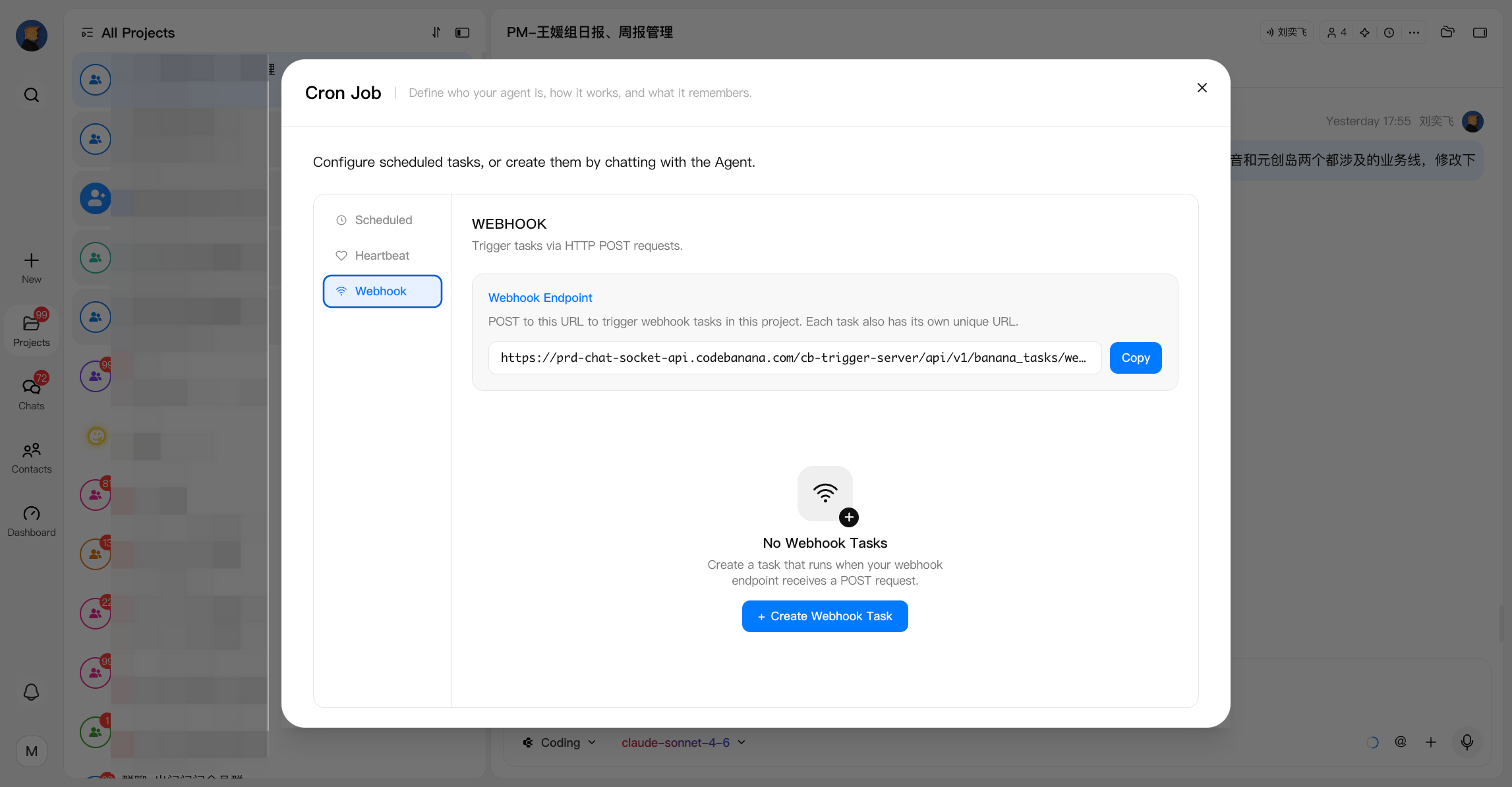
Webhook allows external systems to trigger an agent task through an HTTP POST request. Instead of running automatically based on time, webhook tasks are executed when an external service sends a request to the generated webhook endpoint. Common use cases:- Trigger an agent workflow after a system event
- Connect CodeBanana with external services
- Automate workflows based on third-party events
- A CI/CD system triggers an agent to review deployment results
- A monitoring system sends an alert and asks the agent to analyze the issue
- An external application triggers a report generation workflow
How to Choose
- Is this a one-time task or reminder?
- Yes → Use Scheduled Task
- No → Continue
- Does the task need to run at an exact time?
- Yes → Use Scheduled Task
- No → Continue
- Can this task be grouped with other periodic checks?
- Yes → Use Heartbeat (add it to HEARTBEAT.md)
- No → Use Scheduled Task
- Is the task triggered by file changes or events?
- Yes → Use Scheduled Task (File Watch)
- No → Contine
- Is the task triggered by external event?
- Yes → Use Webhook
- No → Follow the rules above
Configuration
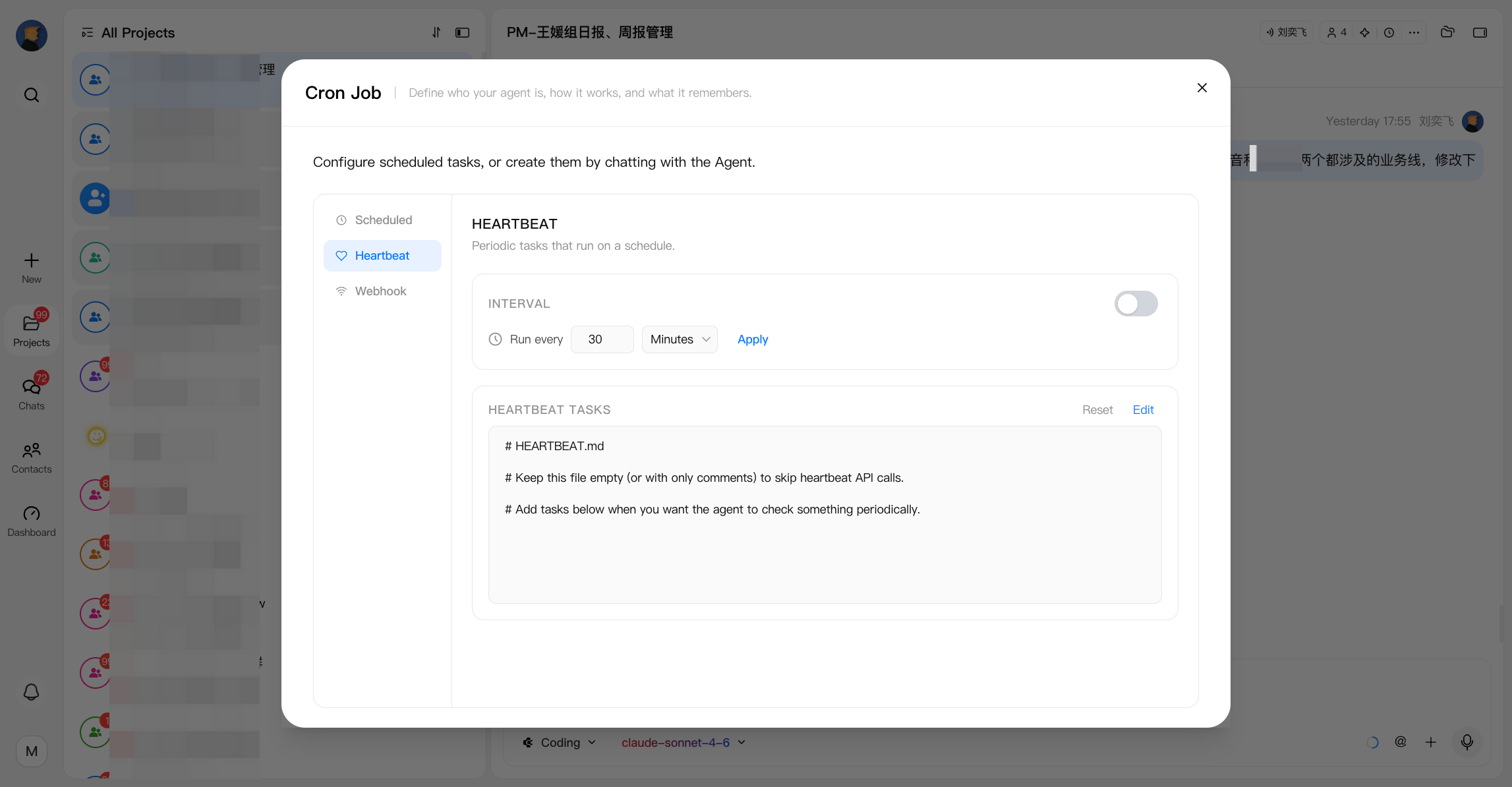
Heartbeat- Enable Heartbeat by turning on the toggle on the right panel
- Set the execution interval (e.g. every 10 minutes, 30 minutes, etc.)
- The system will automatically execute all tasks defined in HEARTBEAT.md at each interval
- Click Edit next to HEARTBEAT.md to modify tasks
- Click Reset to restore the default configuration
1
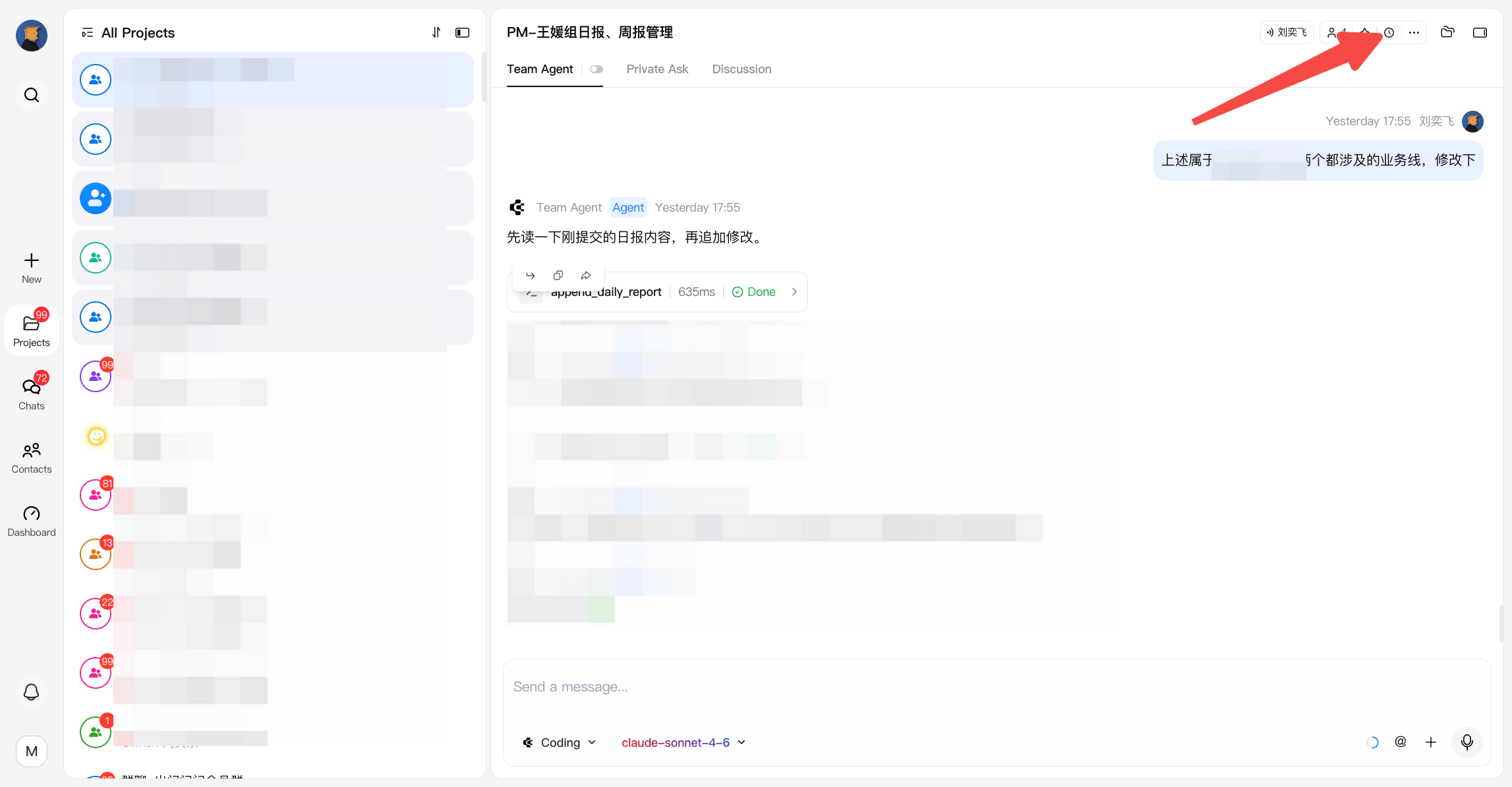
Open cron job panel
2
Create a heartbeat task
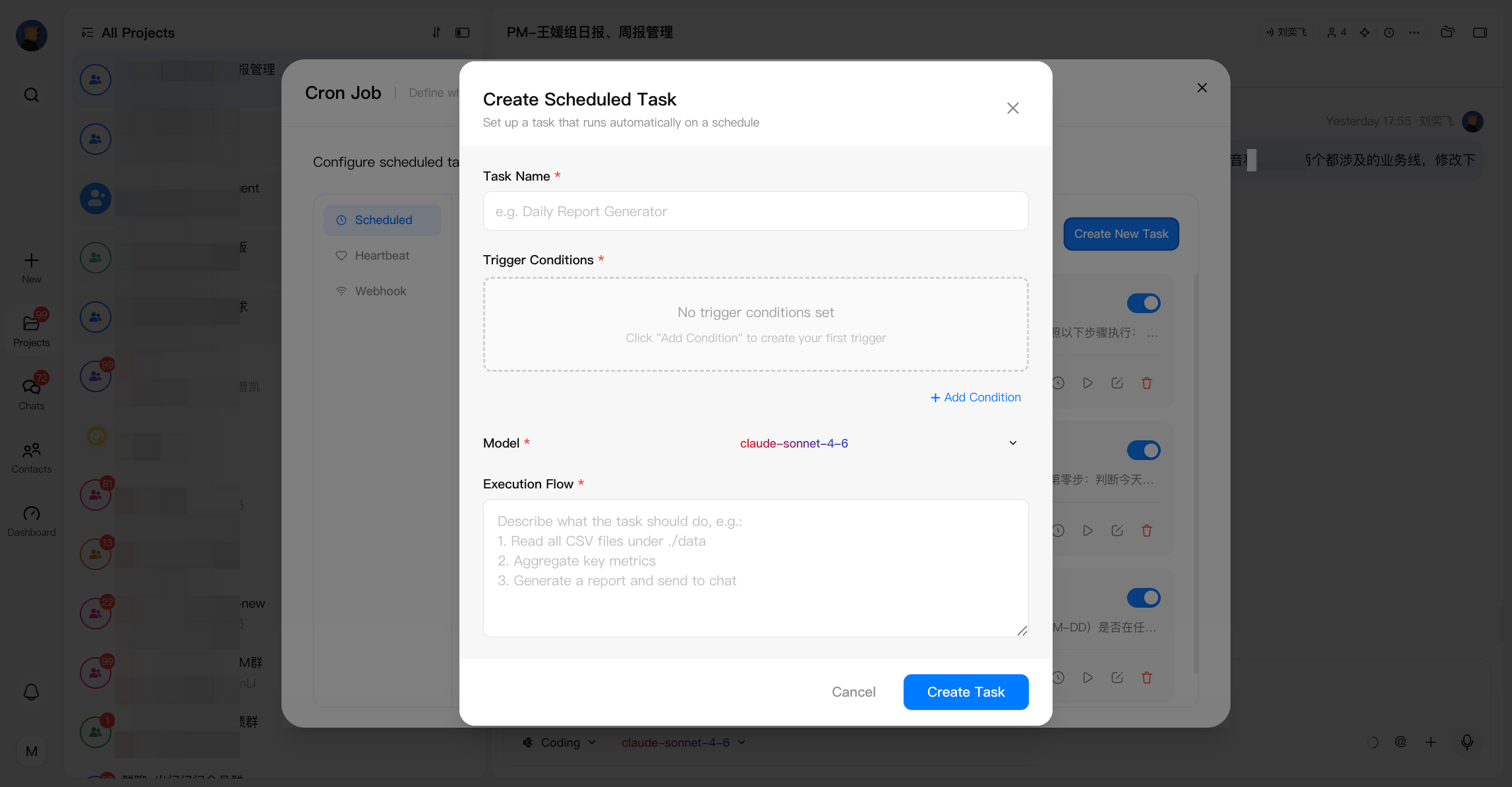
- Click Create New Task to create a task
- Define Trigger Conditions, which determine when the task runs:
- Scheduled (time-based) Choose from:
- Daily — run at a specific time each day
- Weekly — run on a specific day and time
- Monthly — run on a specific date and time
- Once — run a single time
- Every — run at a fixed interval
- File Watch (event-based) Triggered when changes occur in a selected directory:
- File created
- File modified
- File deleted Example: trigger a task when an Excel file is deleted from a folder
- Scheduled (time-based) Choose from:
- Configure the Execution Flow
- Choose a model to execute the task, which can be edited later
- Define what the agent should do when the task is triggered
- This can include any automated action or workflow handled by the agent
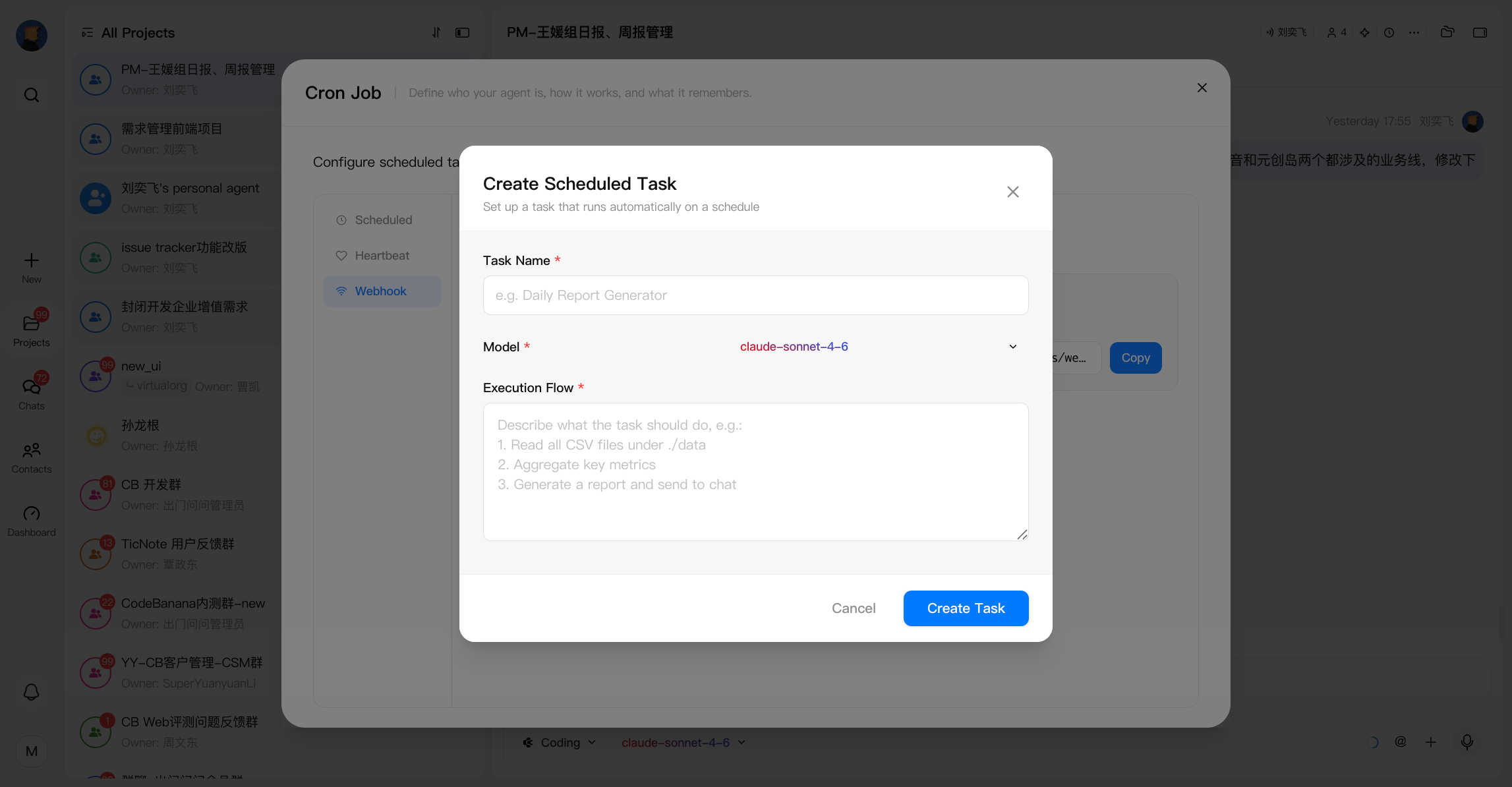
- Select Webhook as the trigger type
- Click Create Webhook Task
- Configure:
- Task Name
- Model
- Execution Flow