

Accessing your account settings
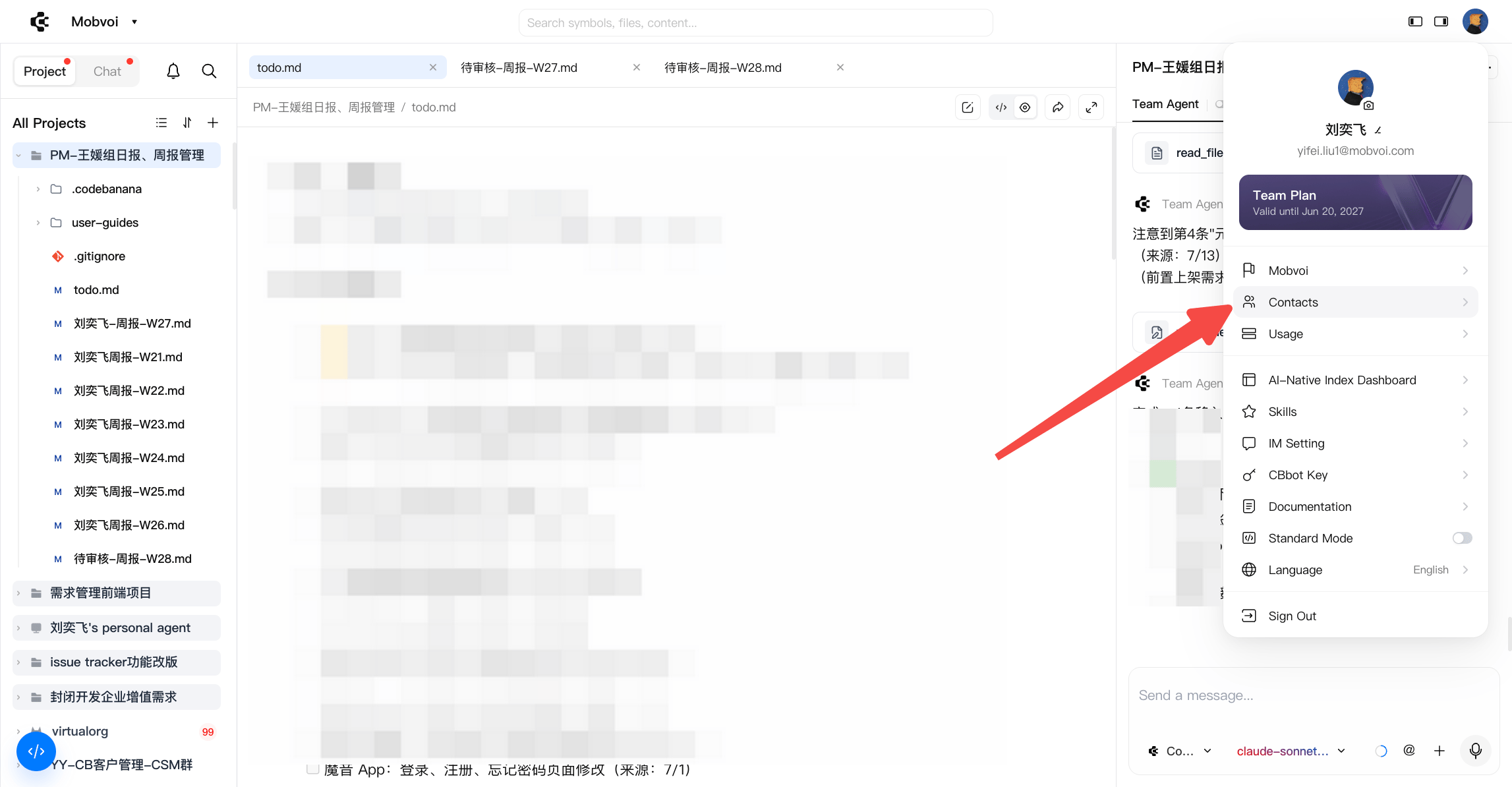
You can manage all your personal account options from the profile menu. To open your account settings:- Enter the main page of CodeBanana.
- Click the profile picture in the upper right corner.
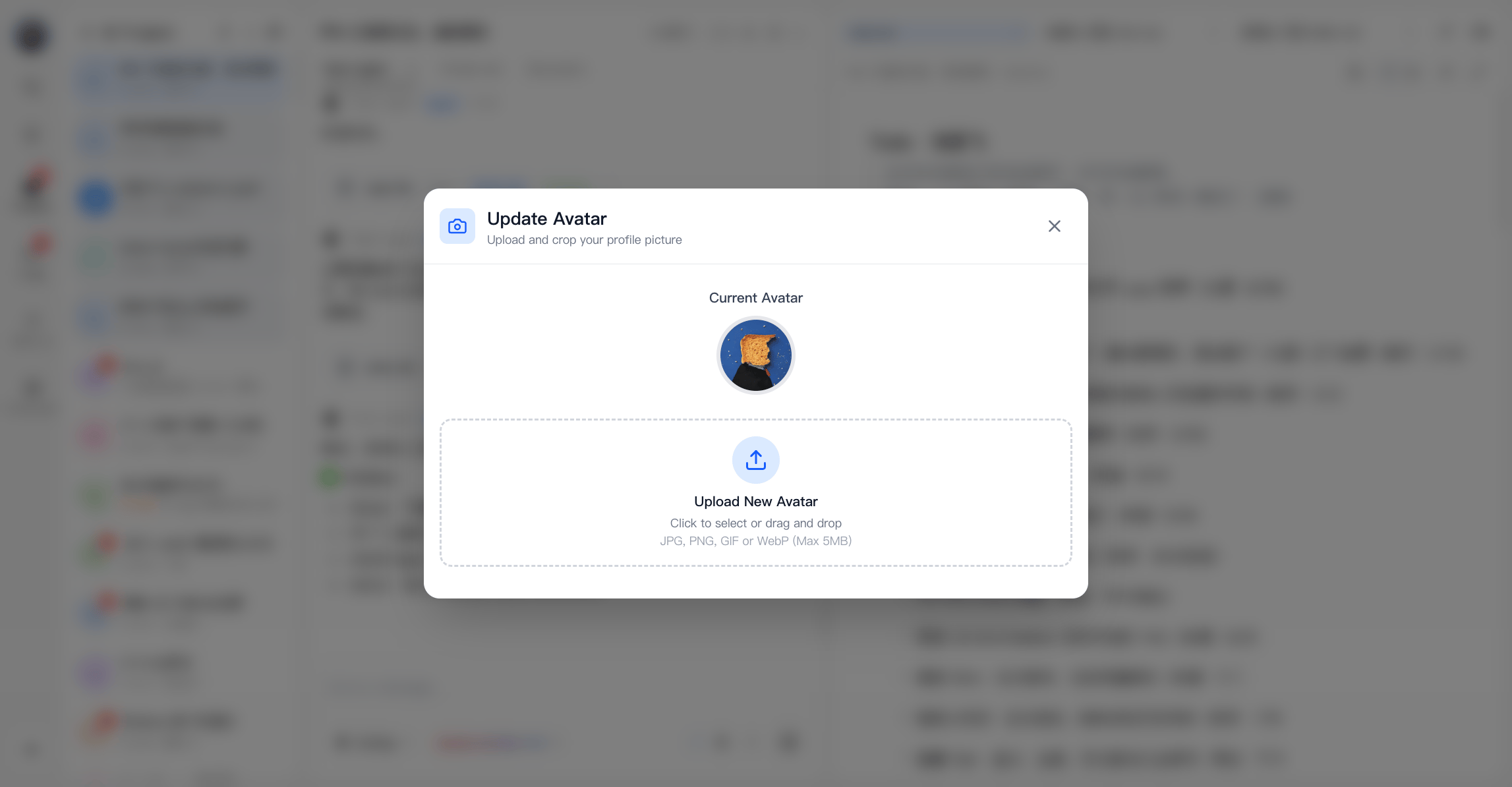
Change profile picture
Click on your profile picture to access the profile picture editing page. Here you can upload an image to change your profile picture. The profile picture must meet the following requirements:- Only JPG, PNG, GIF, and WebP formats are supported.
- Less than 5MB.
Usage
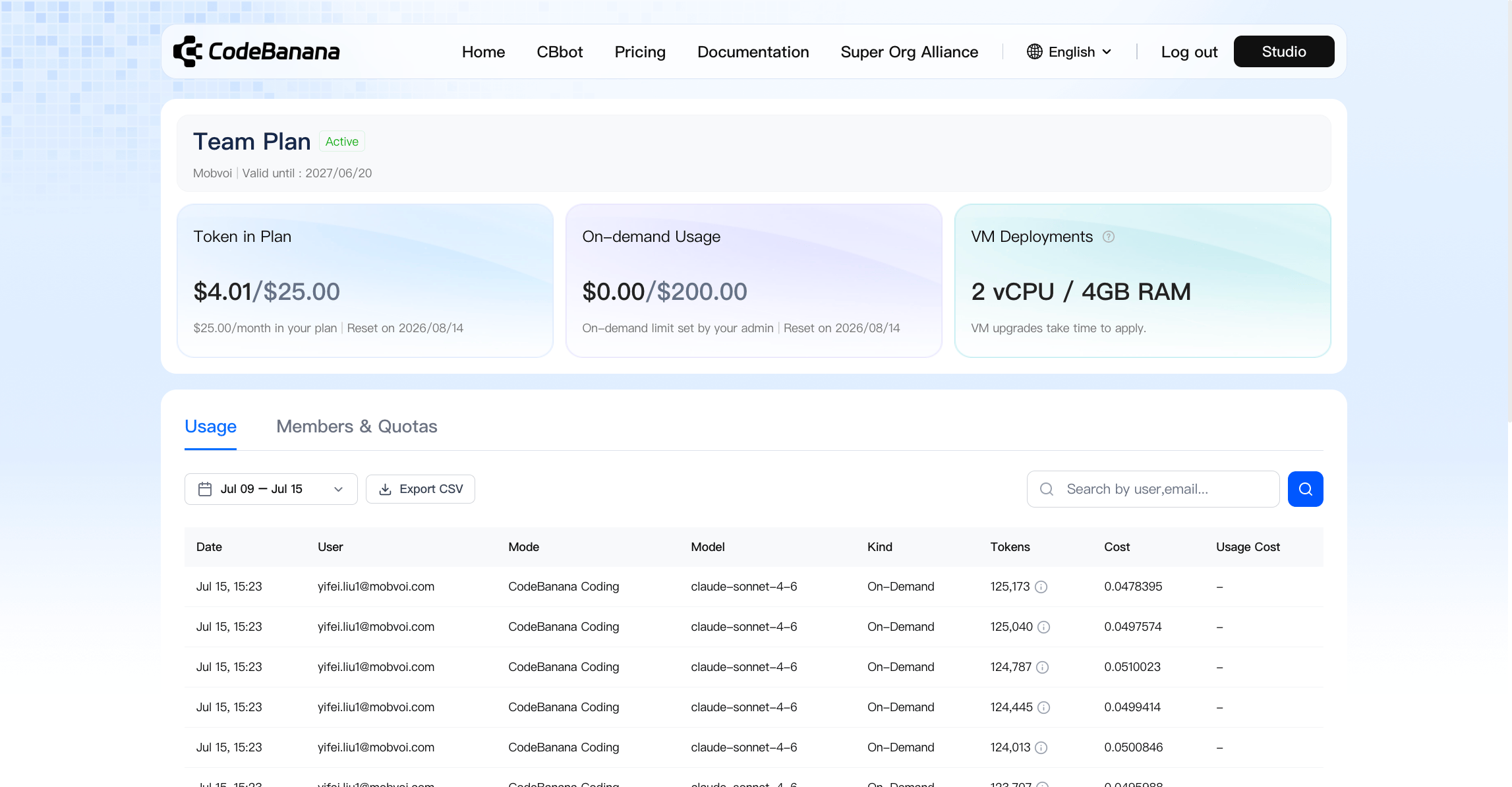
Click the “Usage” button in your personal center to view your usage details. Overall billing is divided into two types:- Package-based requests:
- Different membership levels—Free, Personal, and Professional—offer 30, 300, and 1000 requests respectively.
- The Personal and Professional packages allow you to choose different virtual machine options based on your service scale; billing will be based on the virtual machine service used.
- Pay-as-you-go
- Once you’ve used up your package-based requests, you can enable pay-as-you-go billing on the Usage page, setting a limit. This will automatically trigger a Stripe billing process for top-up.
Contacts
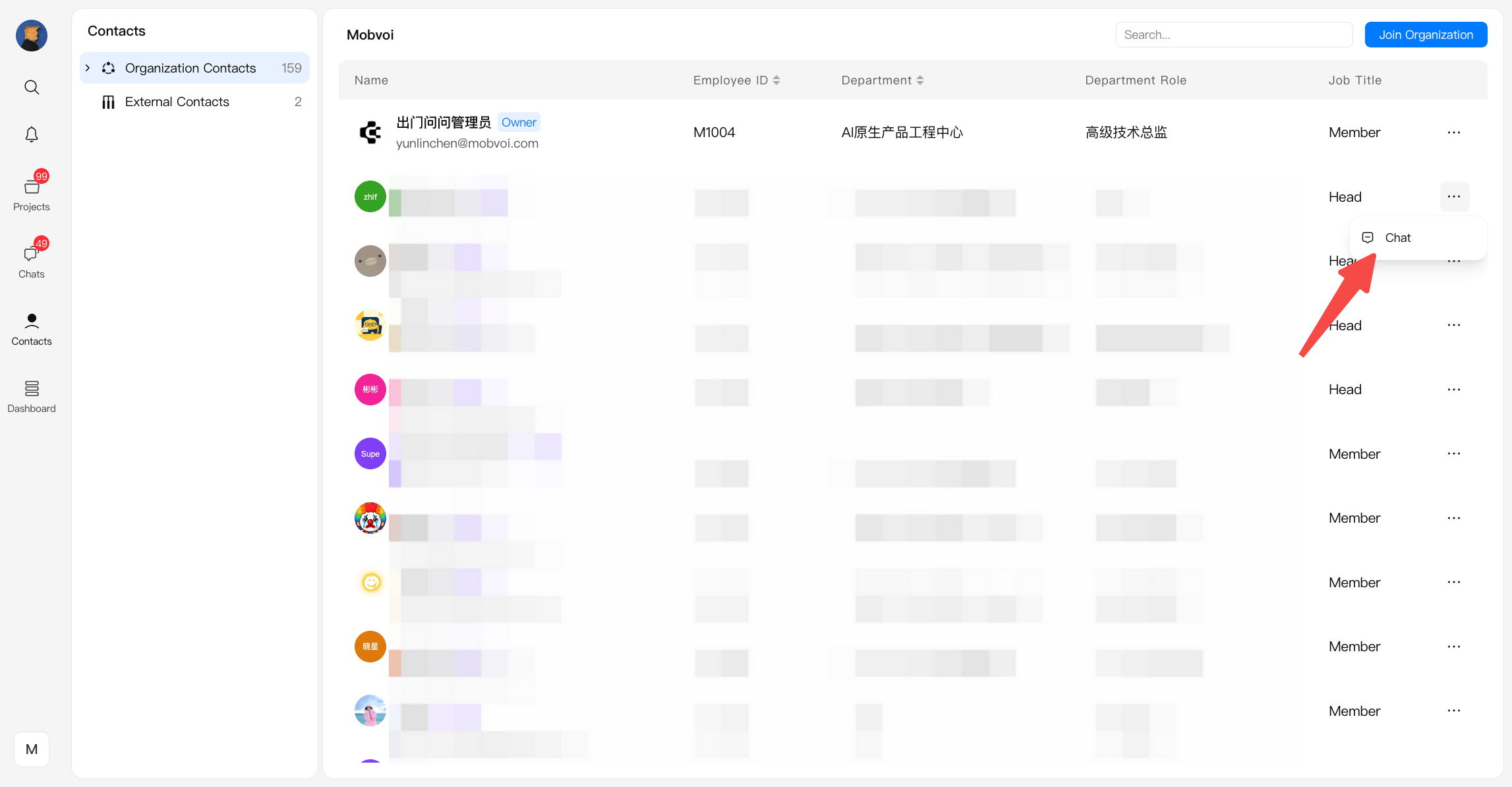
You can view your organization application records, organization members, and external contacts. The entry to Contacts depends on whether Standard Mode is enabled. Standard Mode On When Standard Mode is enabled, Contacts is available directly from the left navigation bar.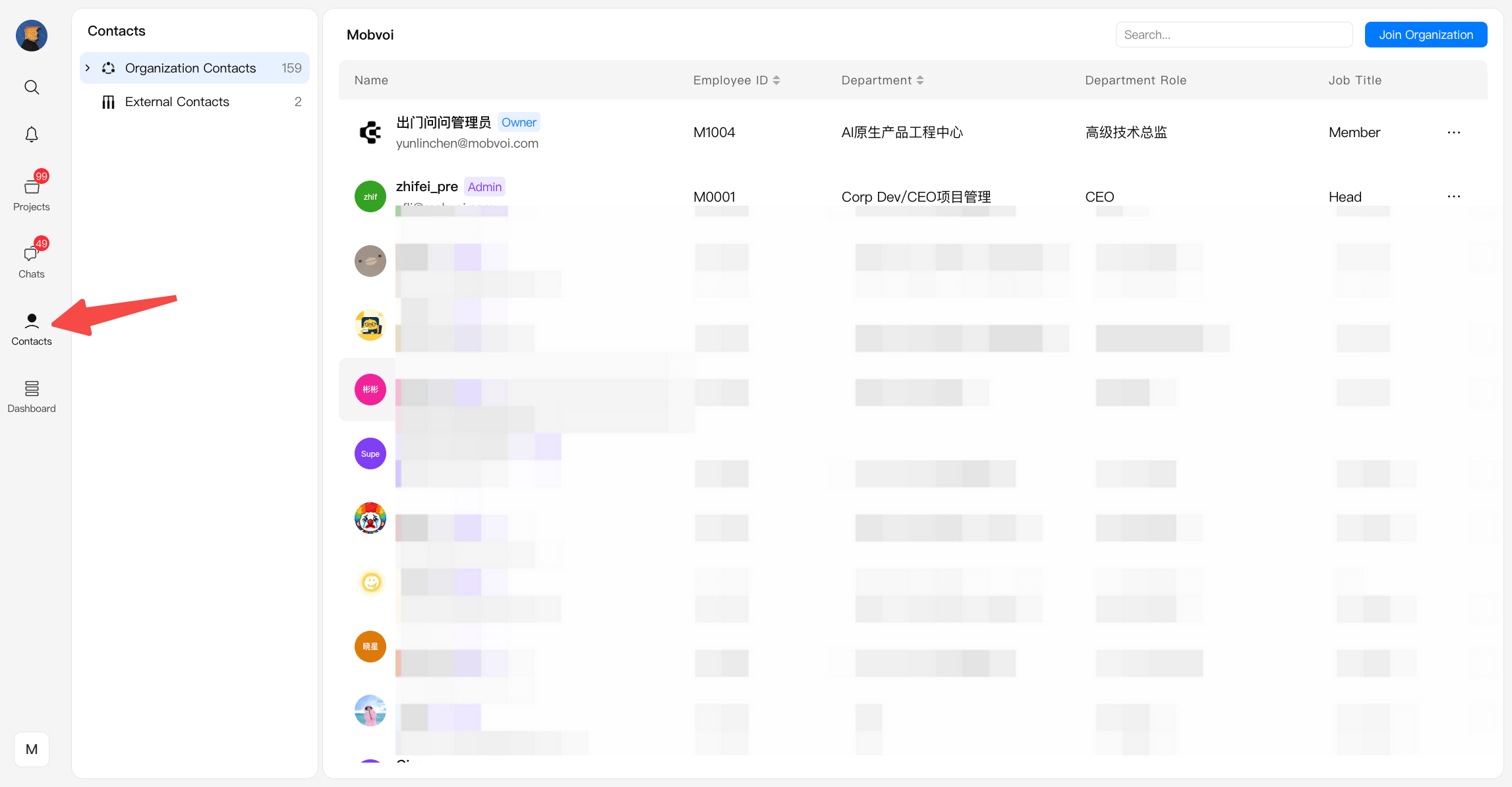
Organization Contacts
Members who have joined the same organization. You can:- Add them directly to projects without sending email invitations
- Browse and search all organization members in one place
- View each member’s role (Owner / Admin / Member)
External Contacts
Collaborators invited by email who are not part of the organization. They become external contacts after accepting an invitation sent either from a project or through Contacts → External Contacts → Add External Contact. You can:- Invite them to projects via email without adding them to the organization
- Find and reuse them when inviting to other projects
- Distinguish them visually from internal members to avoid confusion
- View invitation records and statuses in History
- Admin and owner can manage the organization structure and members, like inviting members and setting admins.
How to manage your Organization?
See more details in Organization Page.
- Here offers a convenient search function for quickly finding people, and you can also click the chat button next to them for quick private chats. At this point, you will be redirected to the chat option, and all private chat history will be saved there.
Language Setting
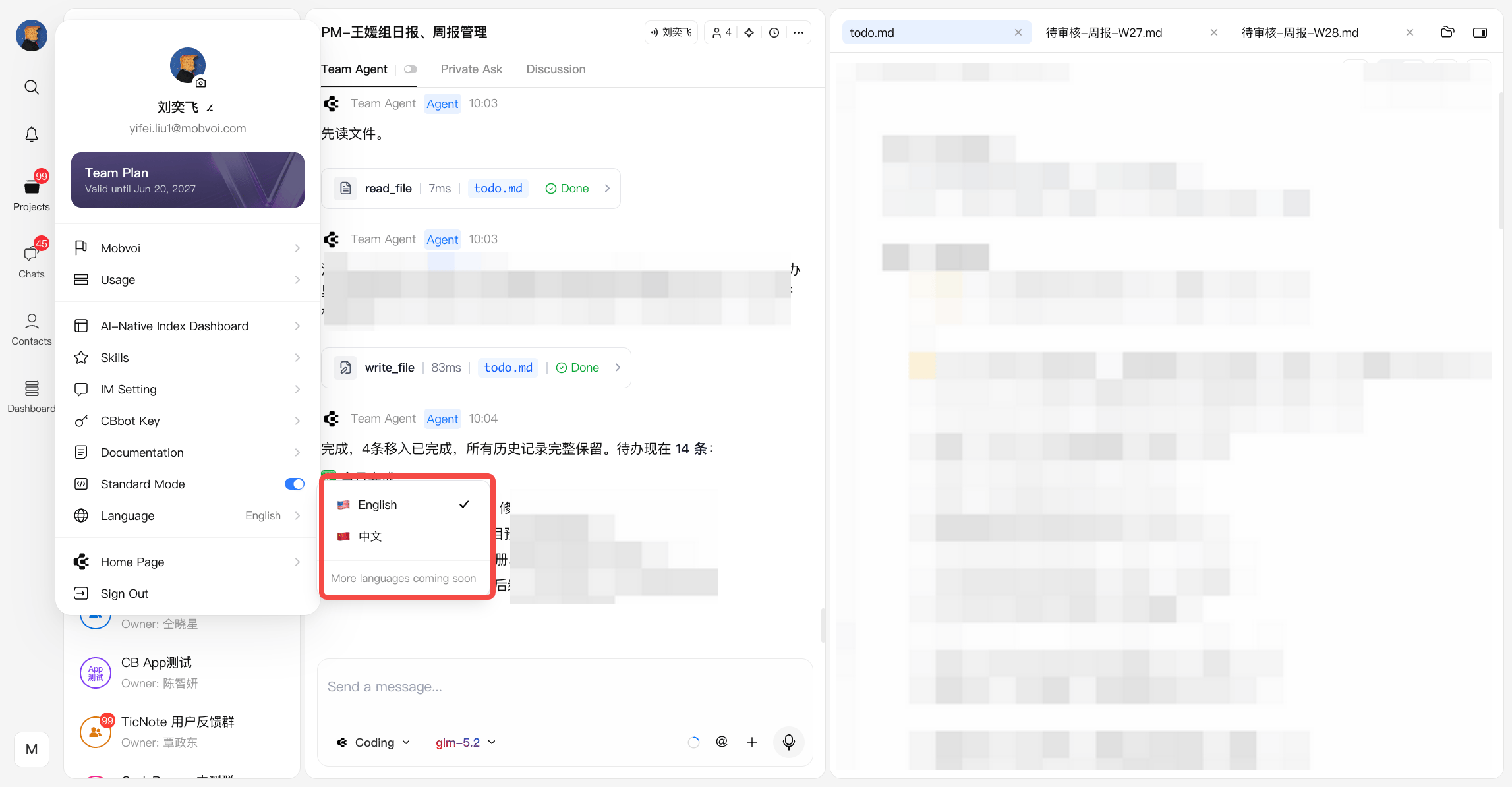
CodeBanana supports multiple interface languages, allowing you to work in the language you’re most comfortable with. Currently supported languages:- English
- 简体中文 (Chinese)
- Open the profile menu.
- Click Language.
- Select your preferred language. The interface updates immediately after the new language is selected.
Your language preference is saved to your account and will be used the next time you sign in.
Standard Mode
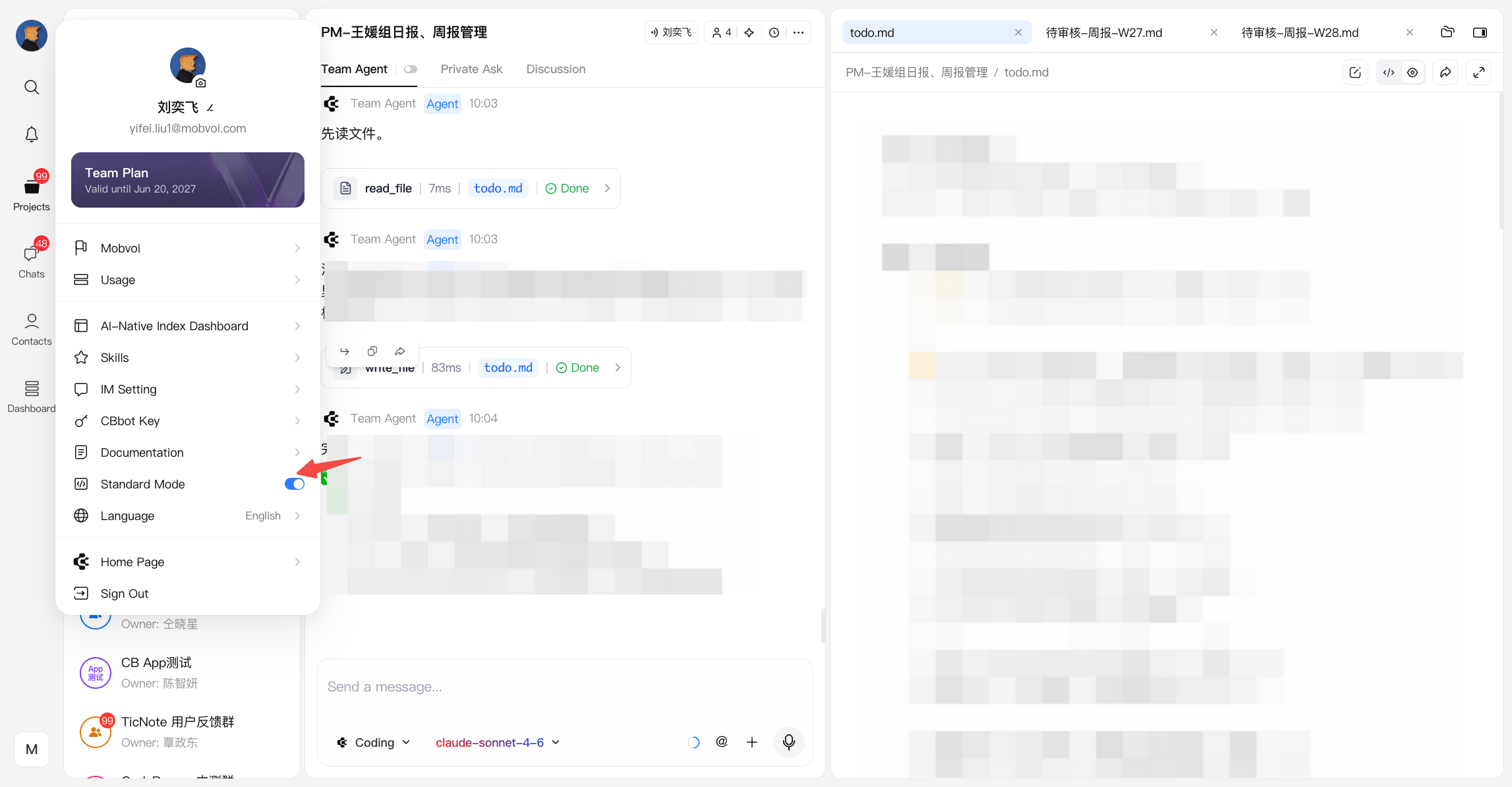
CodeBanana provides two workspace layouts for different ways of working. To switch layouts:- Open the profile menu.
- Turn Standard Mode on or off.
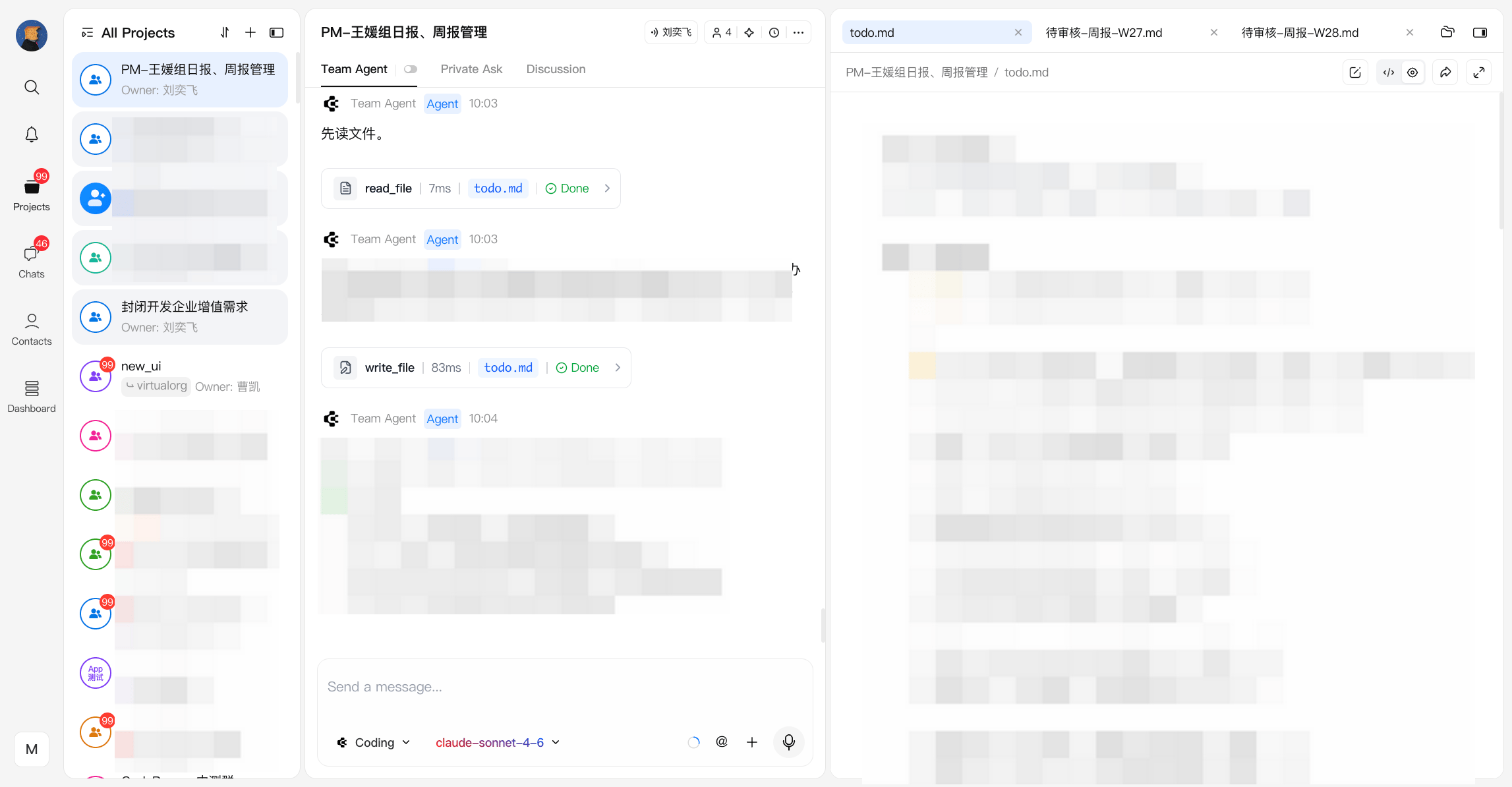
Standard Mode On (Default)
When Standard Mode is enabled, CodeBanana uses the new workspace layout. This layout is optimized for AI-first collaboration, making conversations with agents more prominent while keeping your files and workspace visible. It is recommended for users who frequently work with Team Agent or Private Ask. Features include:- More space for agent conversations
- Better visibility of agent status and execution progress
- Optimized for AI-assisted coding and collaborative workflows
Standard Mode Off (Classic Layout)
When Standard Mode is disabled, CodeBanana switches to the classic workspace layout. The classic layout allocates more space to the editor and file viewer, making it easier to focus on project content. It is recommended for users who primarily read, edit, or review files. Features include:- Larger editor and preview area
- More space for project content
- Reduced emphasis on the chat panel for a more document-focused experience
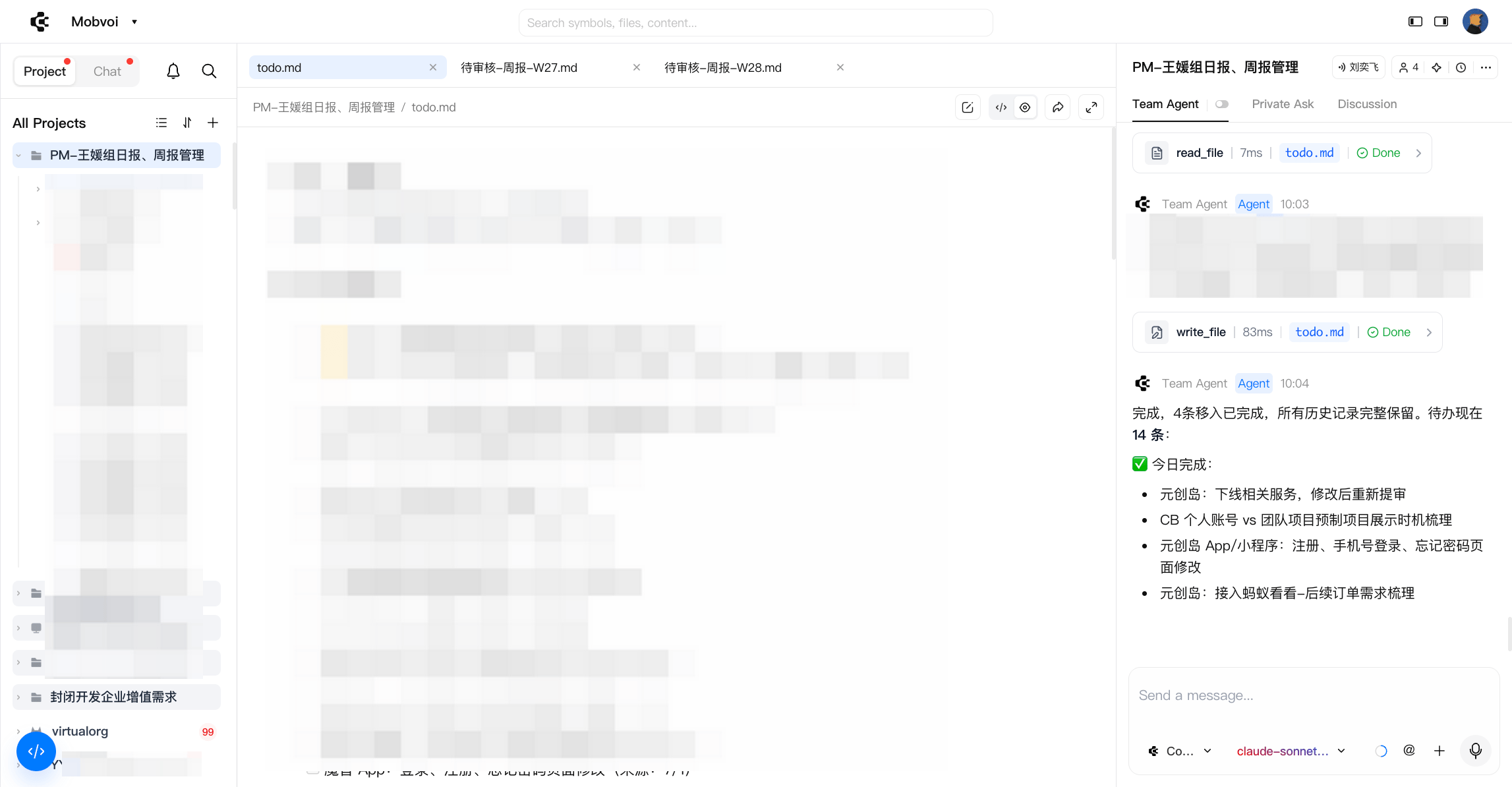
You can switch between the two layouts at any time. This setting only changes the workspace layout and does not affect your projects, conversations, or files.