

Create from a template
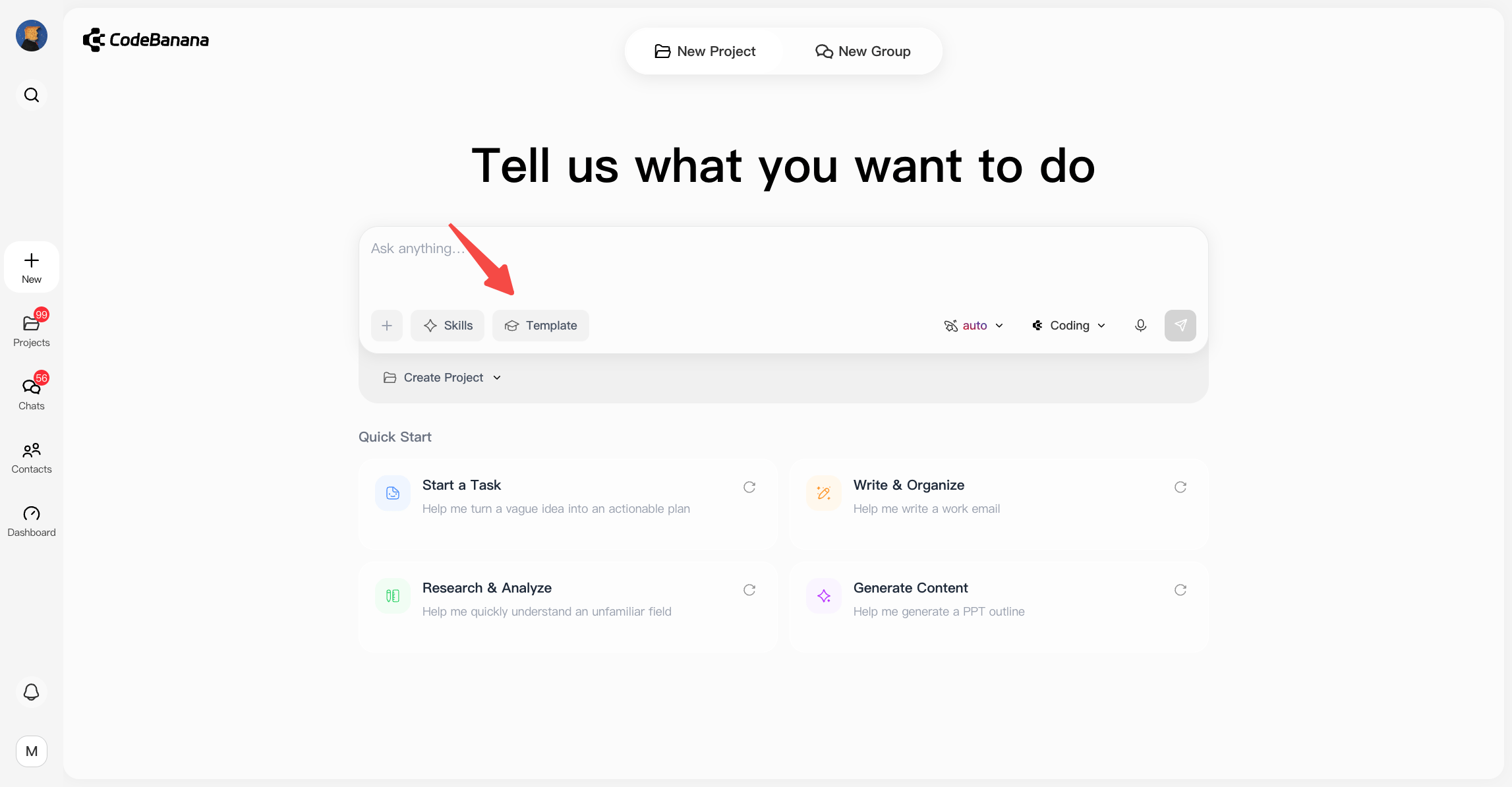
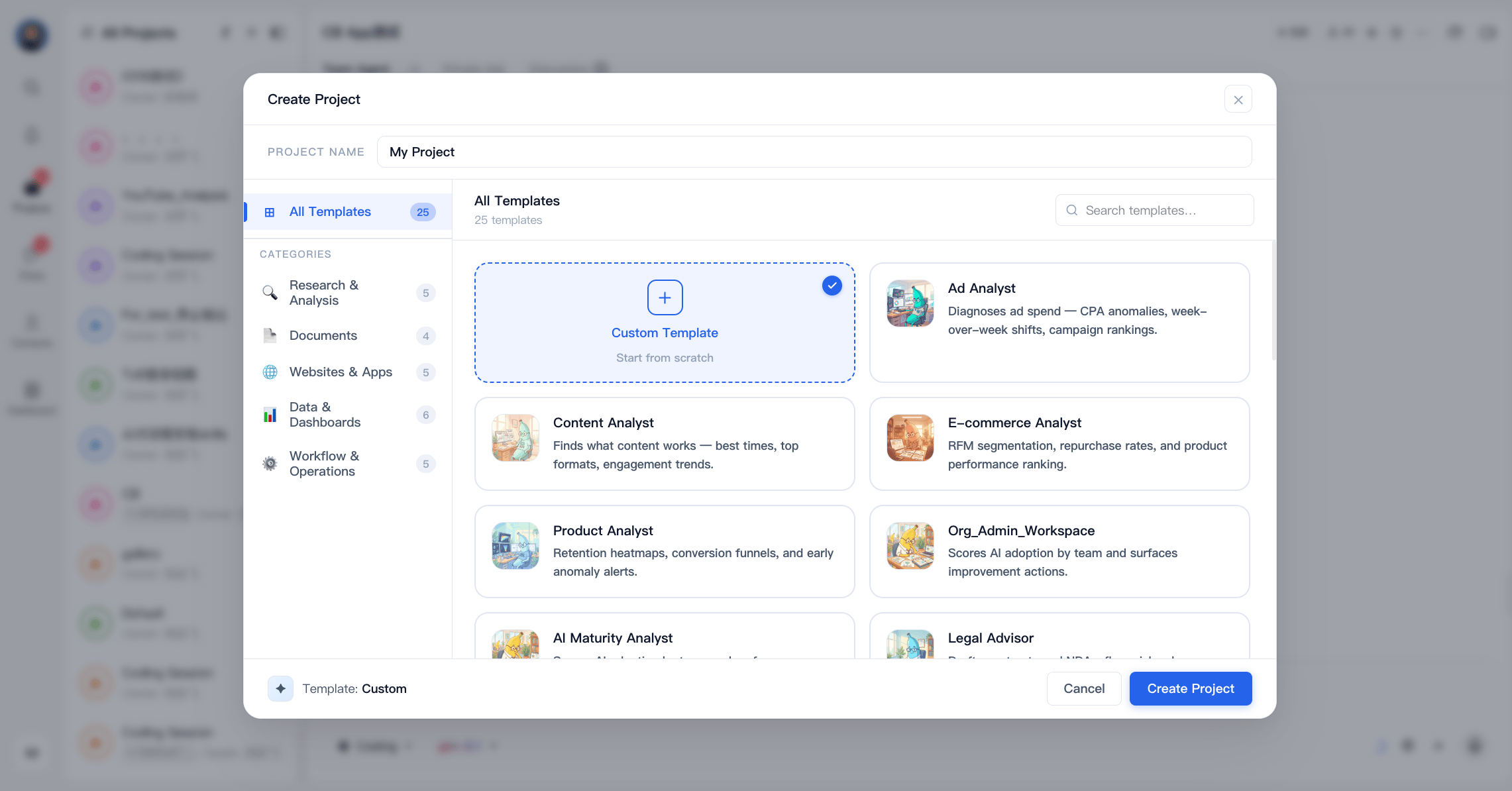
Estimated time: 1 minute If you are unsure where to start, templates make it easy to get going right away. Just choose a template and customize it to fit your needs. Follow the steps in this guide to create a project with templates in minutes:1
Create a project from a template
Click the + as shown in the following image, then choose Create Project: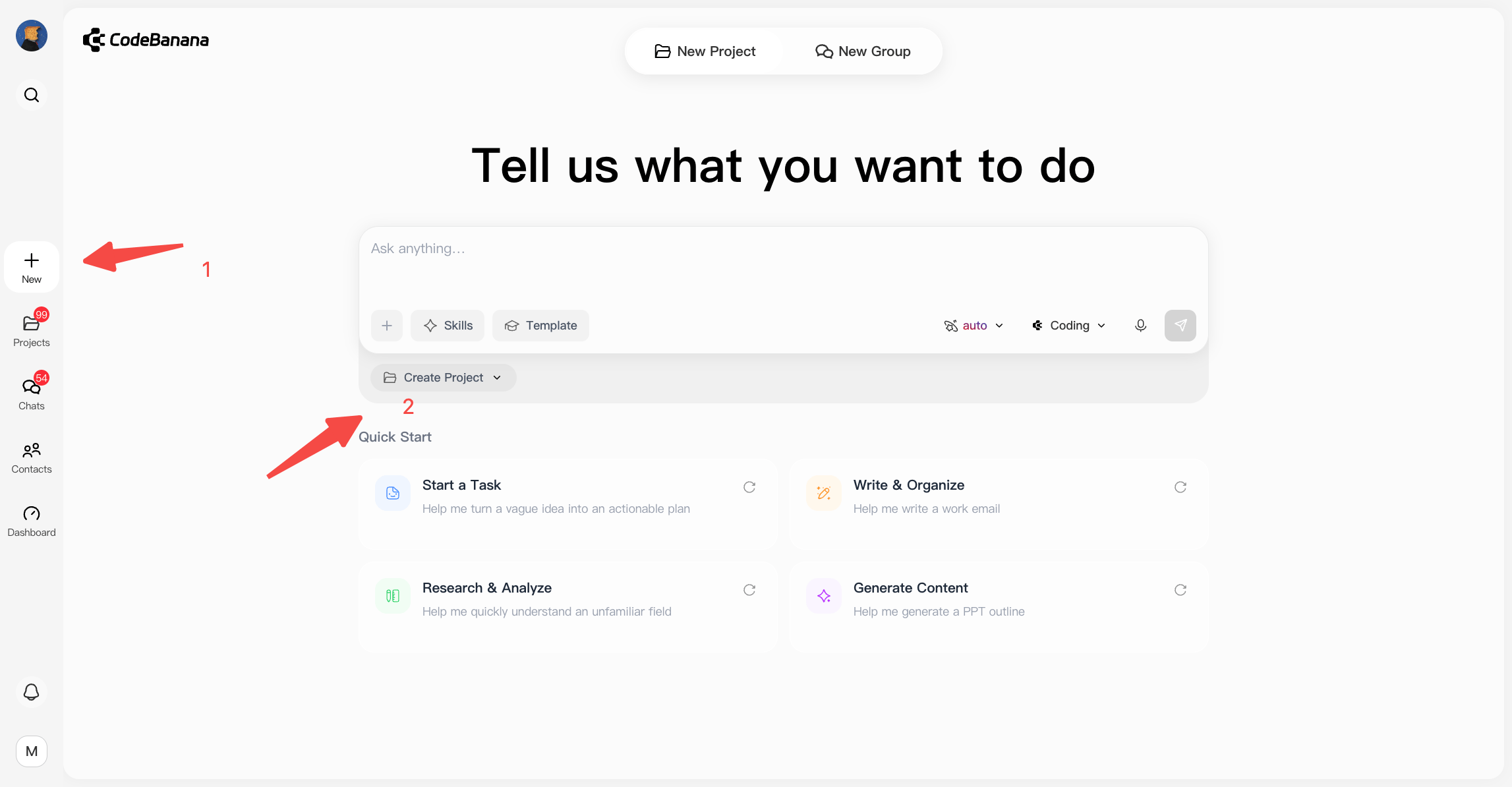
2
Revising with agent
By communicating with the agent, the content within the template is transformed into what you need, ultimately becoming your unique app.
Ready to get start?
Take me to CodeBanana to build my app