

How to use CodeBanana
Codebanana is your personal app and website builder powered by AI. You do not need any coding or tech skills. Just describe what you want to make, CodeBanana will finish the left.Agent
Specializes in generating new projects and building complex features, which is the flagship feature of CodeBanana.
Examples of what you can build on CodeBanana
- Prototype a new business idea
- Fun games to pass the time
- A forum for complaining about work
- Create a personal to-do list
- Beautifully crafted PPT
- Personal blog
Ready to start?
Build your app now
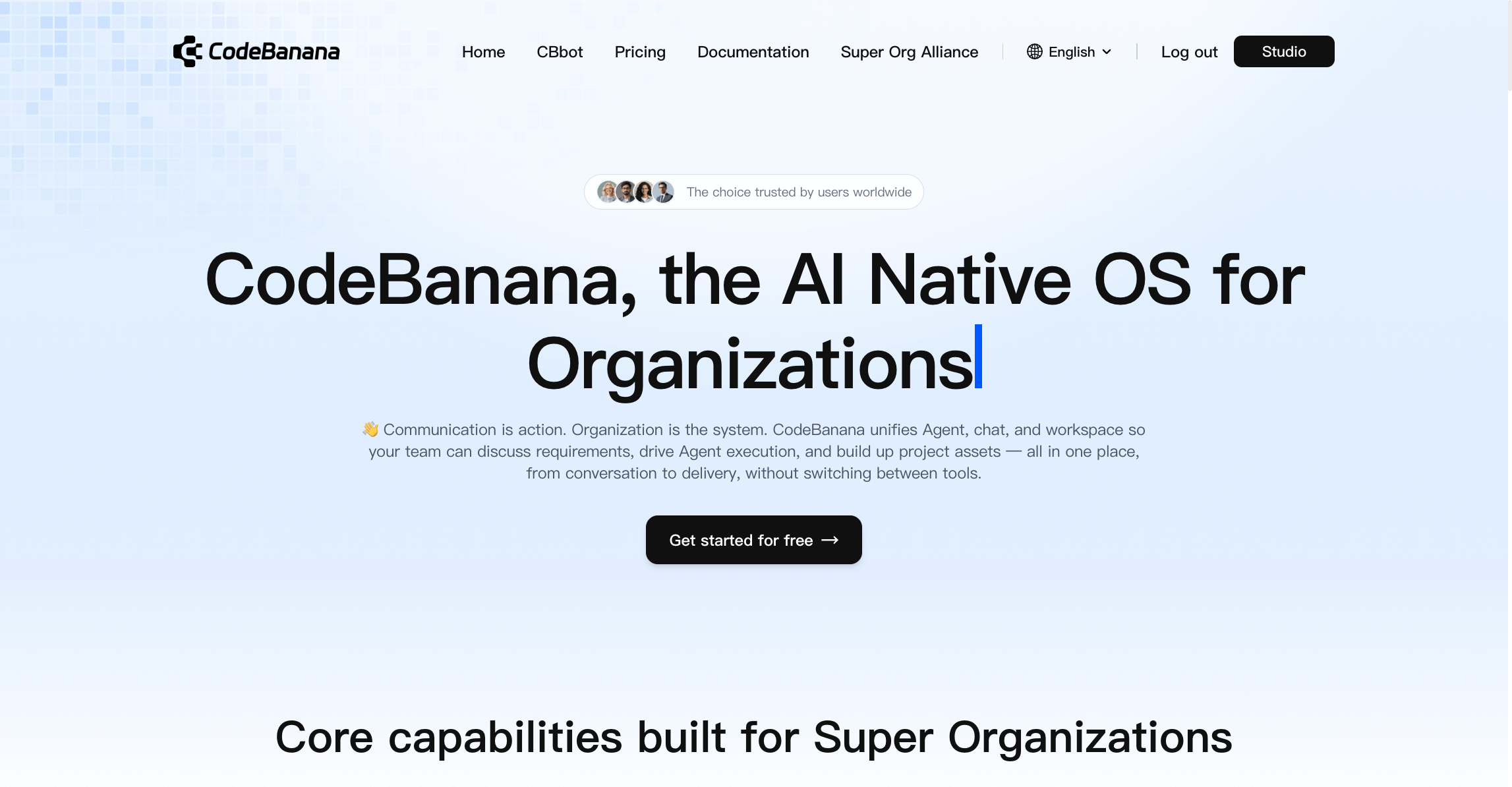
1
New a project
Navigate to the Home screen above and click Get started,Click the + as shown in the following image, then choose Create Project: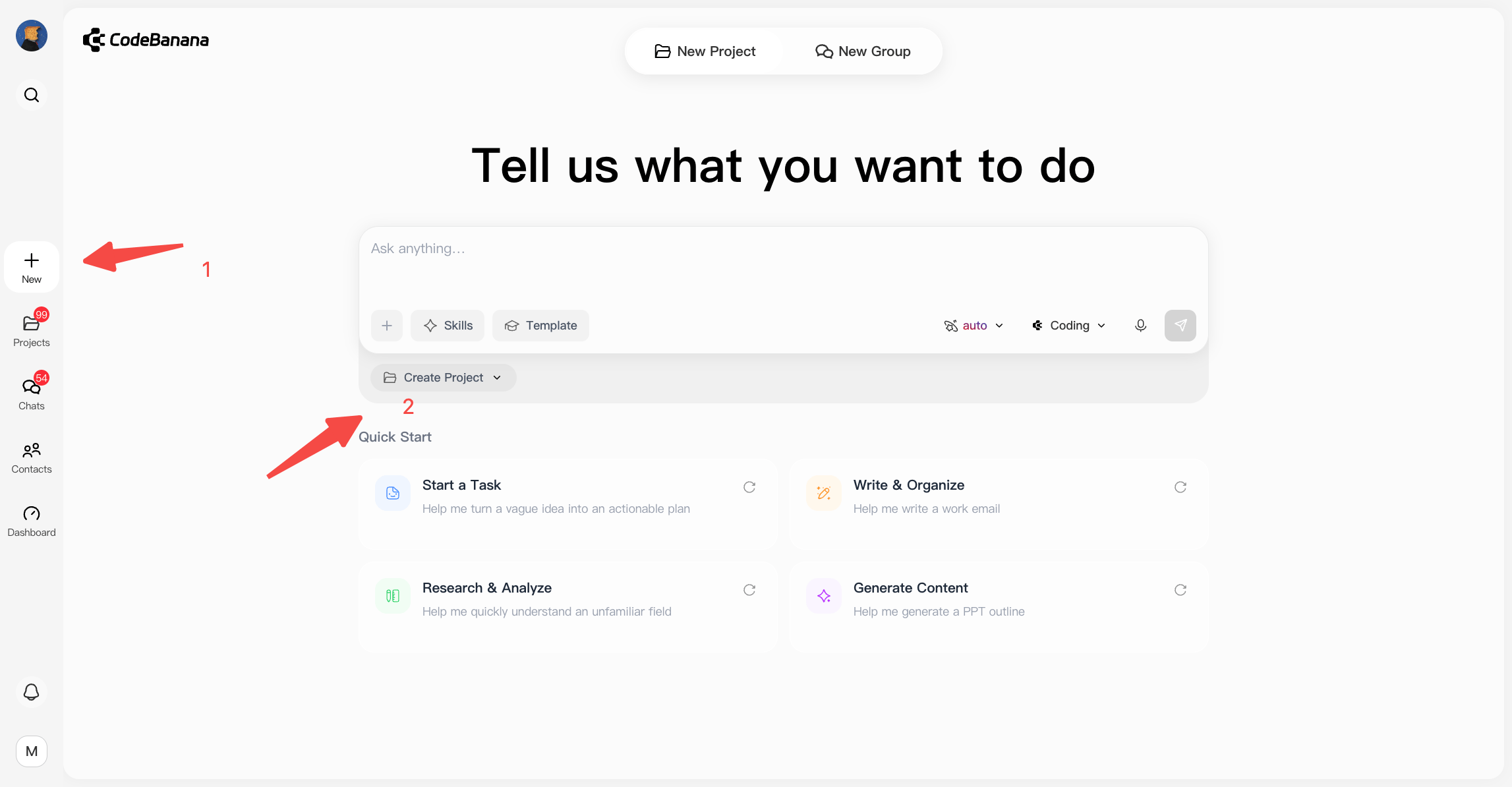
2
Describe your idea with agent
Just telling the agent what you want to build in your own words, the agent will take you there.For example, you can type “a Texas Poker game,” or anything else you have in mind. Share as many details as you like. This first prompt helps get your app started, and you can always add more features or make changes later.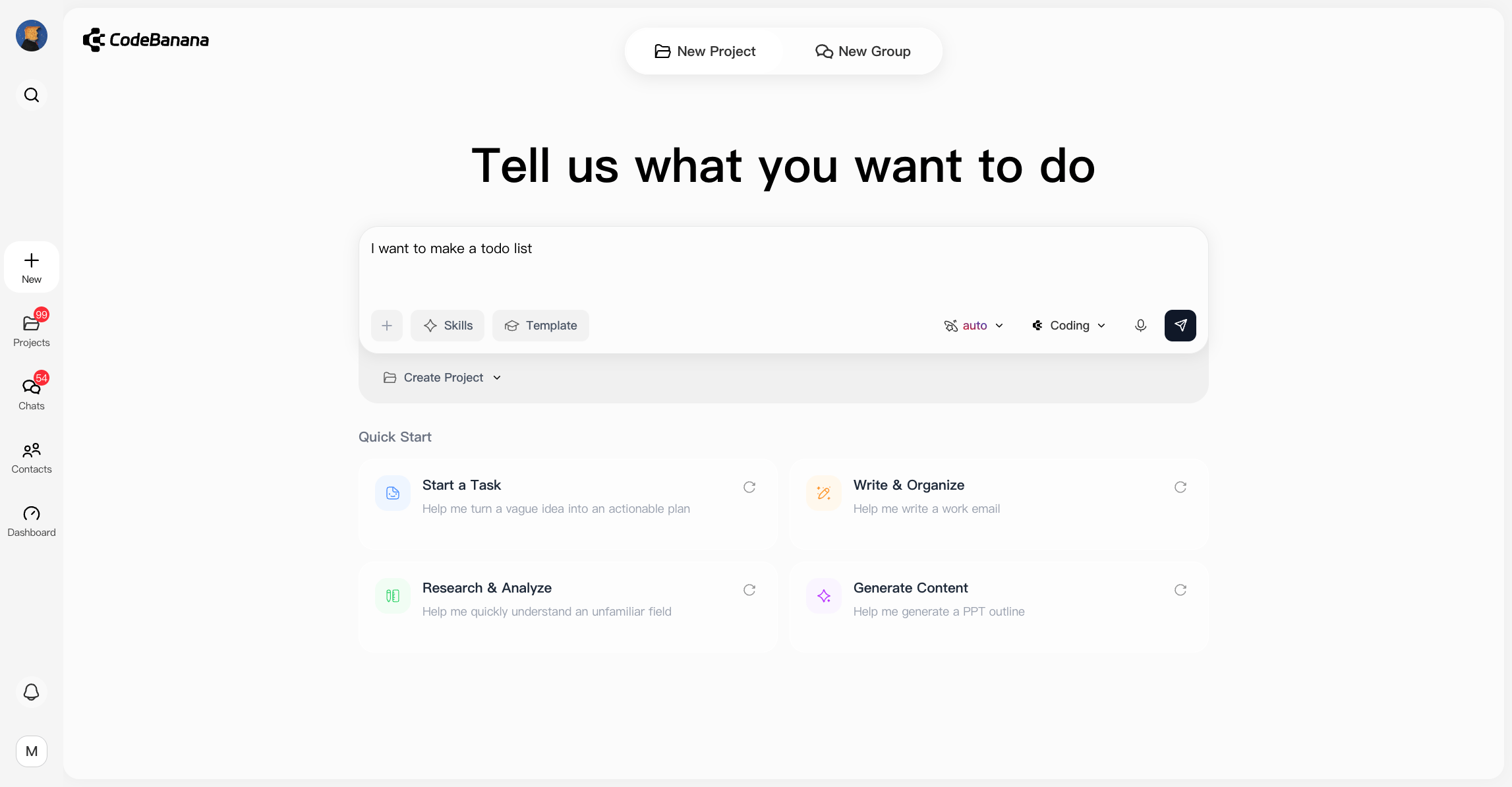
A prompt is a description of the task you want Agent to perform.
3
See your app come true
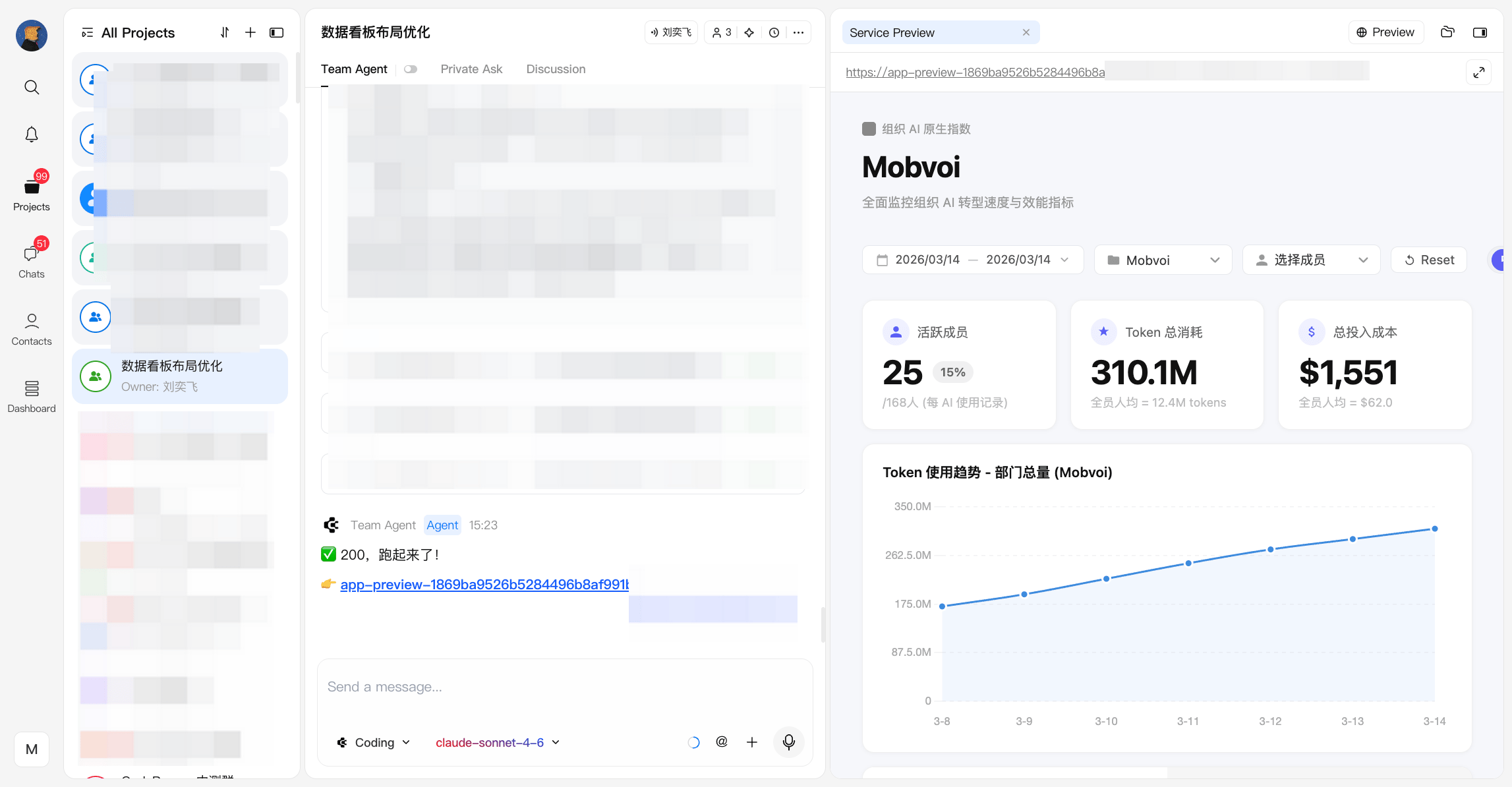
CodeBanana automatically designs your app’s appearance, choosing colors, arranging buttons, and organizing menus to make everything look clean and function smoothly.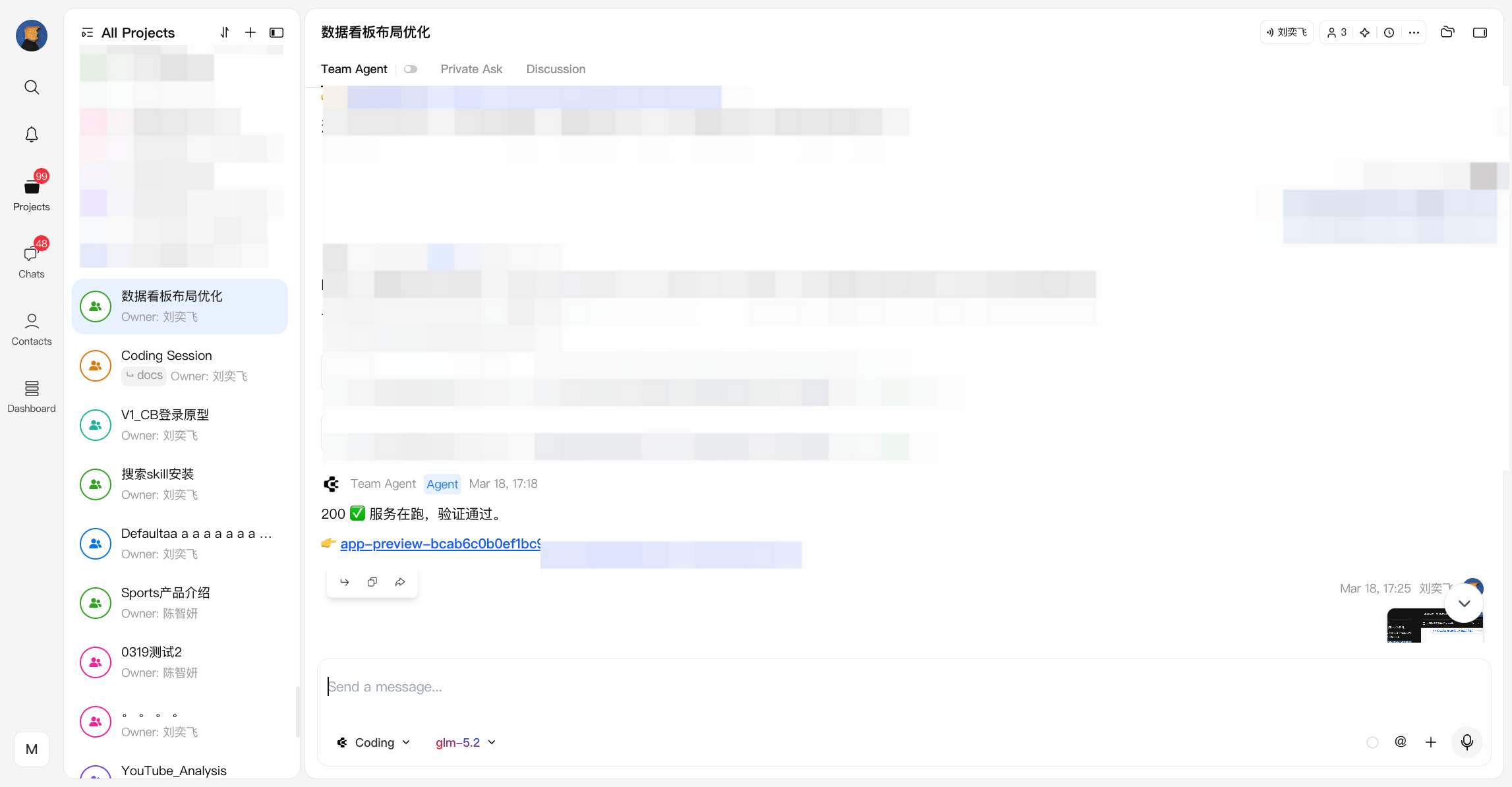

4
Improve your app
Once you identify areas for improvement, you can continue communicating with the AI until your wish is fulfilled,You can also use screenshots to help describe your ideas; simply tap the attachment button next to the send button, or using Ctrl / command + V.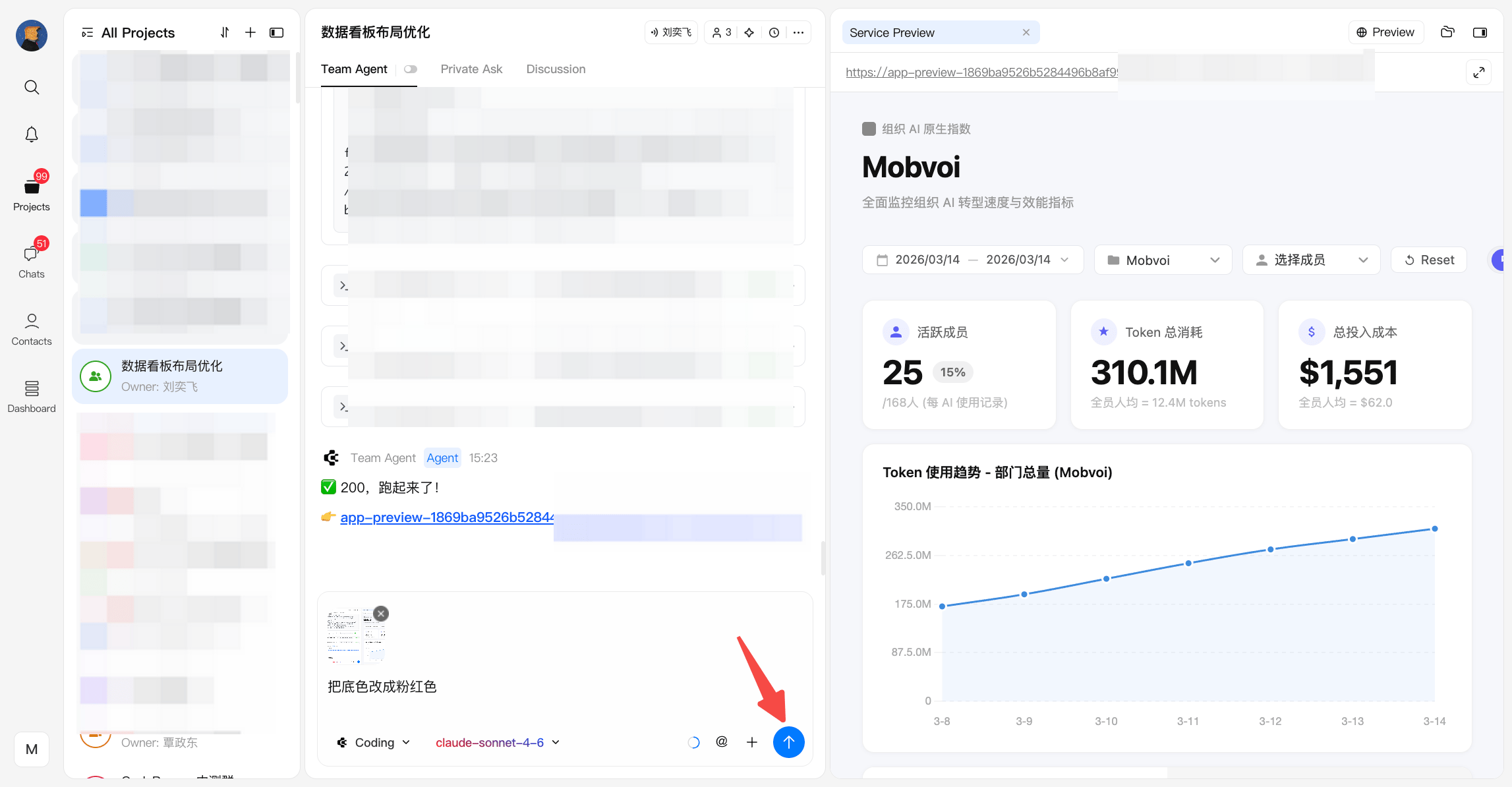
Ready to start?
Build your app now